
Mobile photography has never been easier or more creative, thanks to these top photo editing apps. Whether you’re capturing a casual walk-through Central Park or snapping shots during your app team photoshoot, these tools are designed for quick, hassle-free edits that can transform your photos into stunning, professional-looking images.
1. VSCO
System: iOS and Android
Type: Photo and Video Filters (and Sharing Platform)
Best For: Quick filters, shareable content, and Instagram Stories
VSCO is one of the most popular apps for photo and video editing. It offers a wide selection of presets that emulate various film stocks, giving your images or videos a unique, professional look. The sleek design of the app is perfect for creators who value aesthetics, whether they’re capturing the gritty vibes of Dumbo or the chic streets of SoHo. VSCO also allows users to share their work on a curated feed and follow inspiring photographers.
Choosing a favorite preset can be tough because there are so many beautiful options! Some standout filters like A6, AL5, M6, C3, and KP9 add a distinctive touch to photos. While curve adjustments aren’t available, VSCO does offer HSL sliders, exposure controls, and split-toning tools. It’s also a great platform to share your work without the pressure of likes or follower counts, as those metrics are hidden.
2. Afterlight
System: iOS and Android
Type: Photo Editing
Best For: Advanced edits, creative effects, and quick adjustments for DSLR photos
Afterlight combines advanced editing tools with creative effects, making it ideal for photographers who want more control. It offers features like curves for manual color adjustments, along with beautiful presets and subtle effects like scratches or dust overlays. These tools allow you to add unique character to your photos, turning a standard shot of the Brooklyn Bridge into a vintage masterpiece.
The app balances powerful manual controls with easy-to-use tools, making it perfect for experimenting with your style. You can lock in specific settings while fine-tuning other aspects of the image. Afterlight’s interface feels intuitive and polished, offering a desktop-like editing experience on your phone.
While these tools are great for DIY edits, sometimes a professional touch is needed to truly capture the moment. If you’re looking for expert results, you can always reach out to a professional photographer to handle the work for you — feel free to check rates and find the right package for your needs.
3. Lightroom Mobile
System: iOS and Android
Type: Photo Editing
Best For: Advanced editing, RAW file support, and batch editing
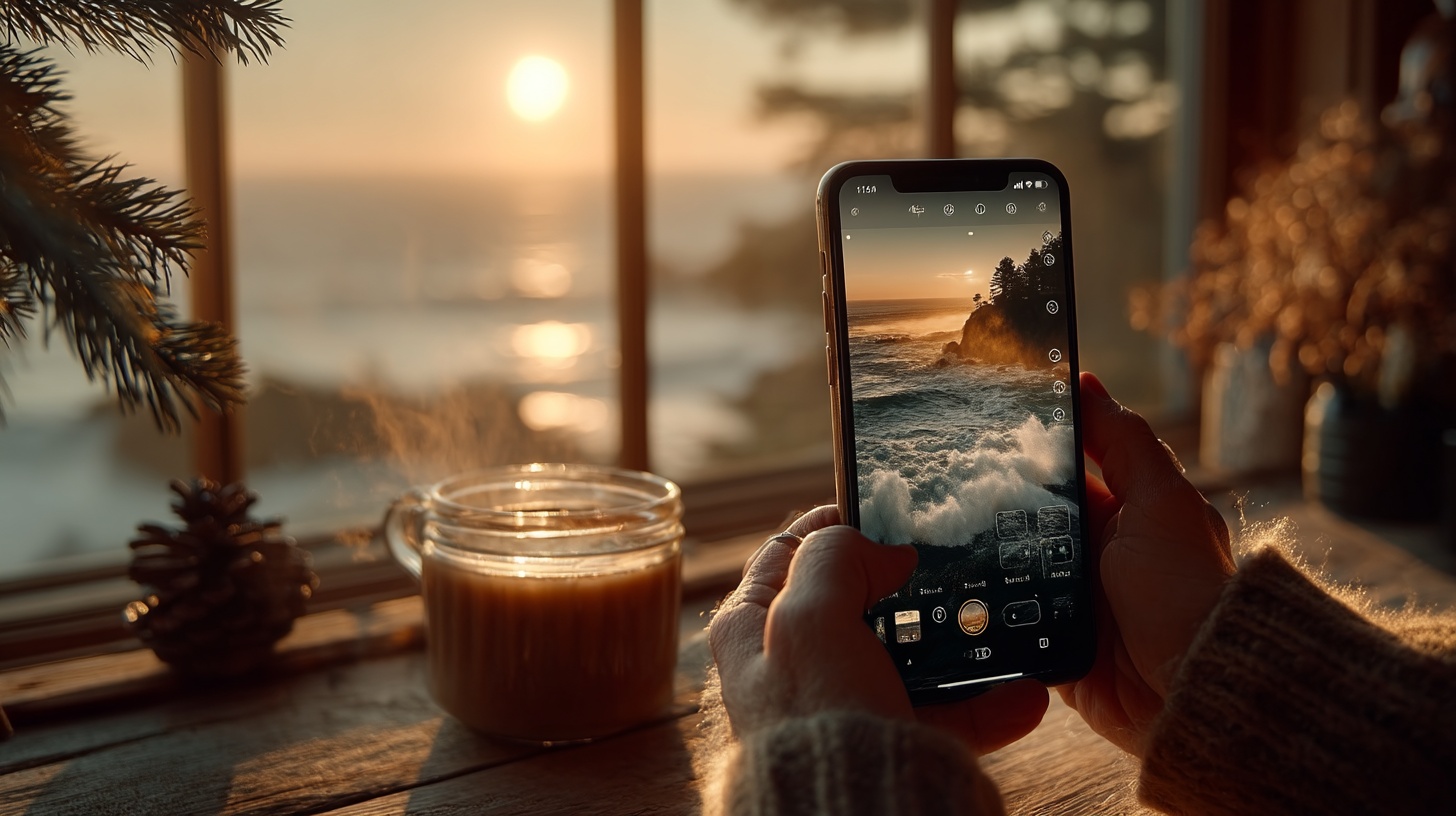
Lightroom Mobile is the compact version of Adobe Lightroom CC, offering powerful editing tools on the go. It supports RAW files and allows for precise adjustments like curves and selective edits — features usually found on desktop software. It’s perfect for editing a whole series of photos from a day trip, from the morning light at the High Line to the evening glow in Greenwich Village.
With easy metadata management and web album creation, Lightroom Mobile is perfect for photographers who want professional-level editing in a portable format. The interface mirrors the desktop version, making it easy to navigate. You can also sync it with other Adobe apps and download custom presets for a seamless workflow.
4. Snapseed
System: iOS and Android
Type: Photo Editing
Best For: Layer-based edits, spot removal, and advanced adjustments
Snapseed is a powerful app for serious photographers. Its user-friendly design puts your photo front and center, while offering manual control over effects and filters. Advanced tools like spot removal and selective adjustments allow for precise edits, like removing a distracting tourist from your perfect Times Square shot.
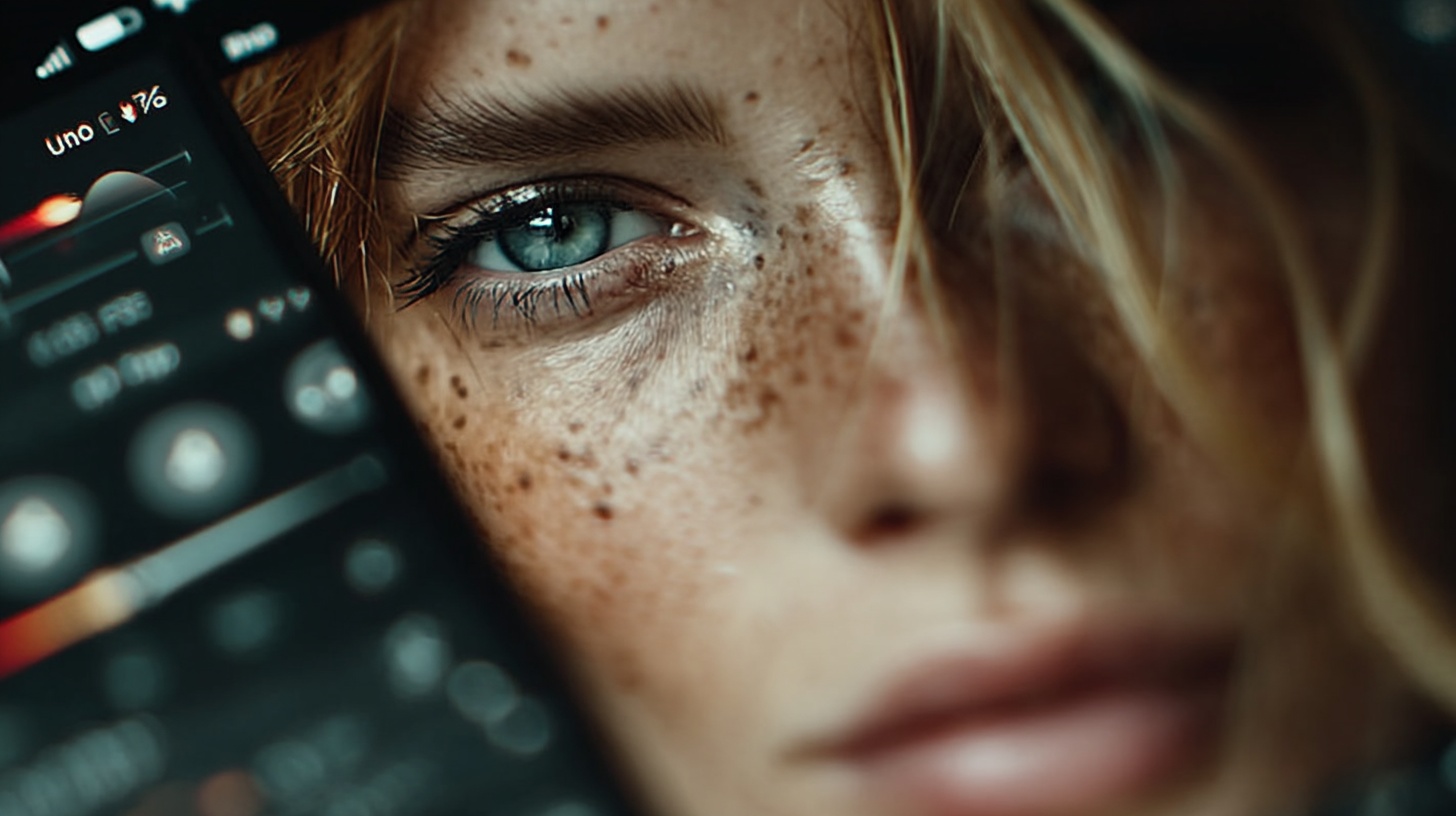
One unique feature is Snapseed’s layer-based editing system, where each adjustment is saved as a separate stack. This makes it easy to revisit and tweak layers later or copy them onto other images. Snapseed offers professional-level editing features without being overly complex.
5. Darkroom
System: iOS
Type: Photo Filters and Editing
Best For: High-volume editing, RAW support, and seamless iCloud integration
Darkroom is an advanced editing app exclusive to iOS, with features like RAW file support, iPad compatibility, and a wide range of filters. Its clean design and intuitive interface make it easy to use across multiple devices, whether you’re editing on your iPhone on the subway or your iPad in a cozy Williamsburg café.
One of Darkroom’s standout features is its integration with iCloud Photo Library. This eliminates the need to manually import images, streamlining the editing process. The app provides powerful tools and filters for edits that feel polished and professional.
Whether you’re a casual photographer or a pro, these apps offer something for every editing style. Try them out and take your mobile photography to the next level.